Sector
6DOF Robotic Arm
About
General Info
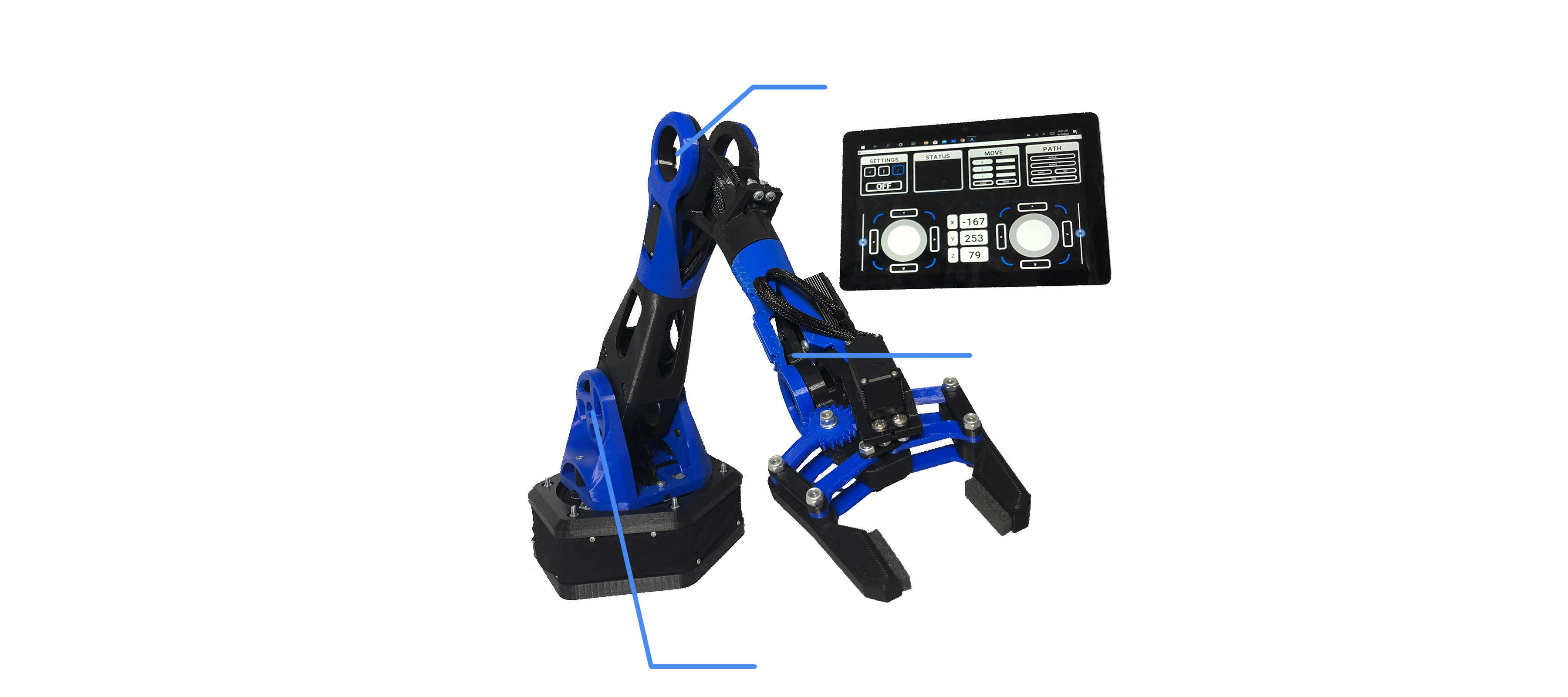
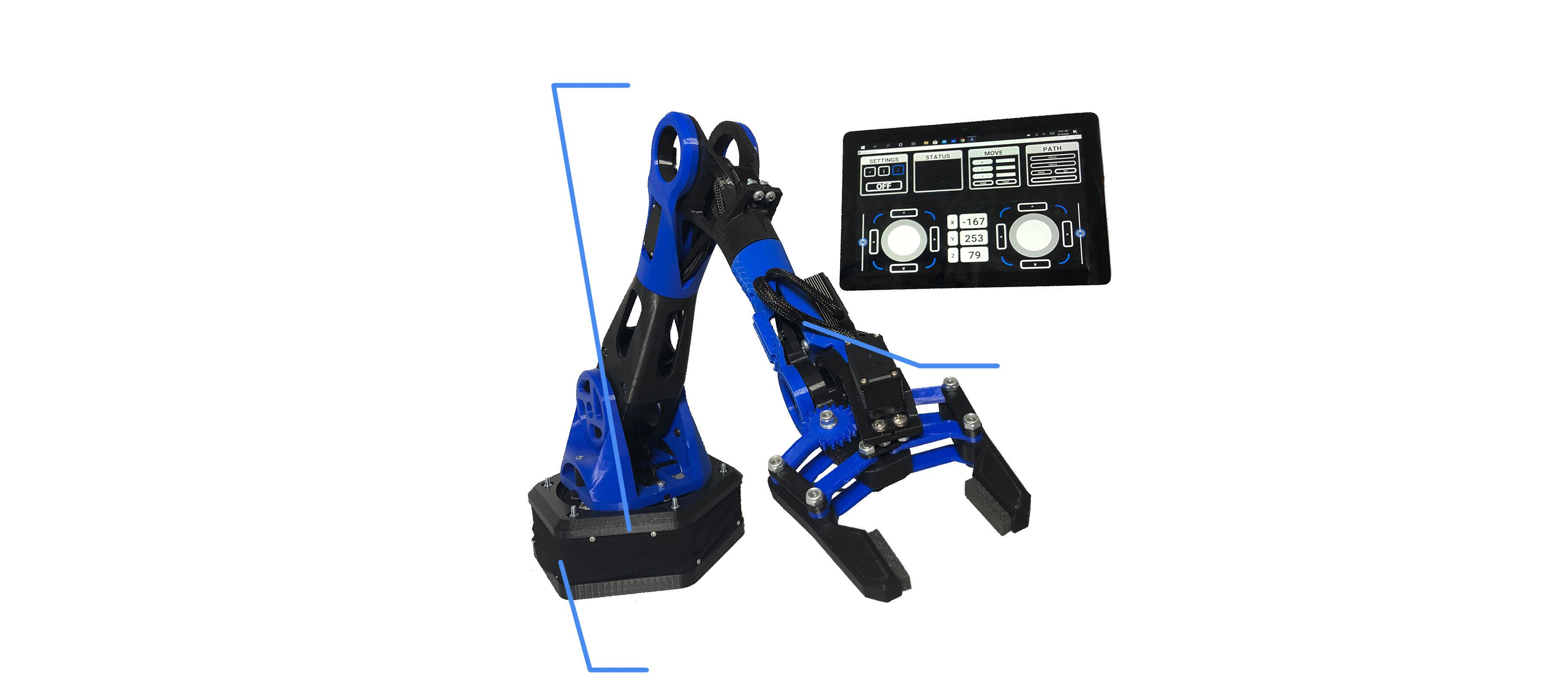
This project was entirely designed and fabricated from scratch as an opportunity to further my expertise in the broad field of engineering. This 6DOF robotic arm uses 6 servos to actuate 6 independent degrees of freedom. Programmed with inverse kinematics, the robotic arm almost acts as its own CNC machine with an unfortunately large tolerance. The robotic arm is controlled with a personally designed executable file programmed with python kivy. The completion of this project alongside my emerging mechanical engineering courses lead me to look at the project critically, illustrating how much I have learned through the project and as a whole through my education.
Features
Project Functionalities
Inverse Kinematics
Trigonometry
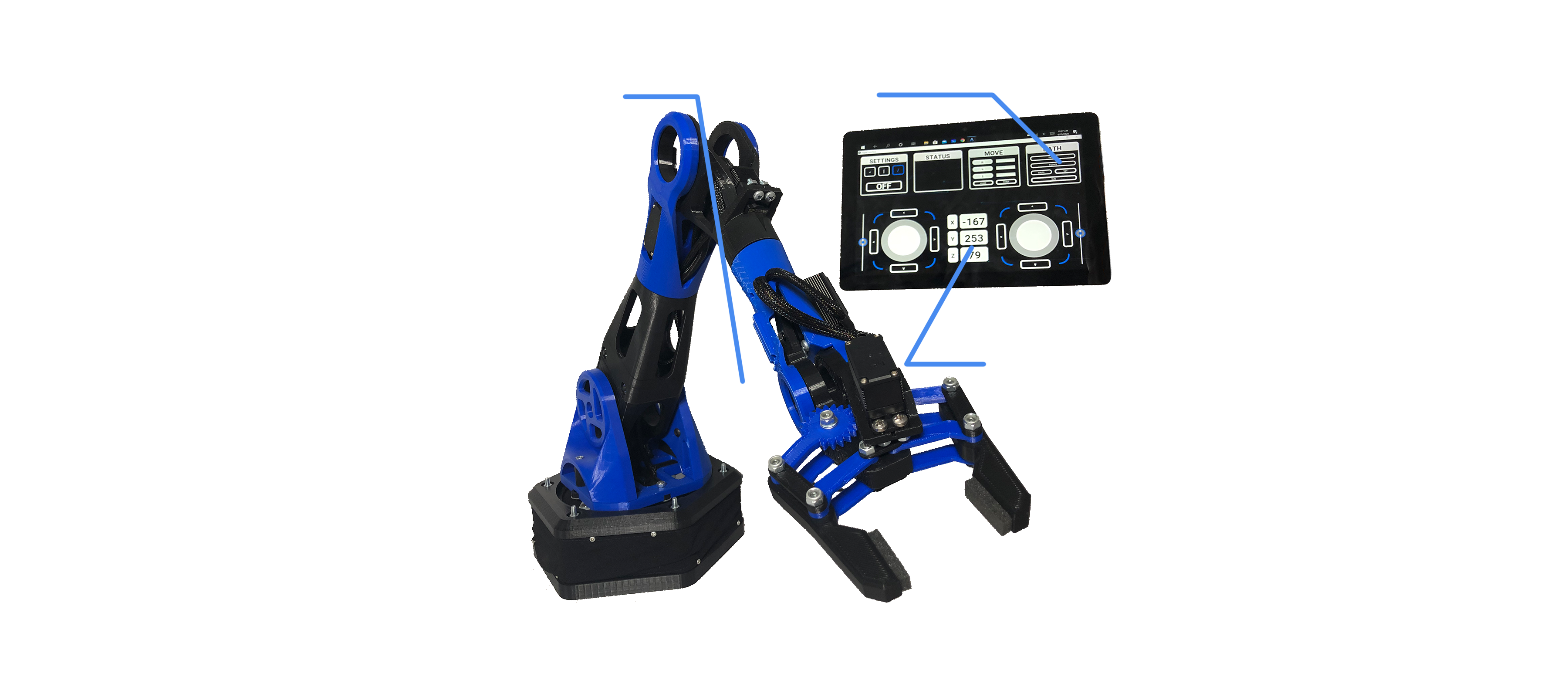
I challenged myself to develop a machine with the ability to position the claw of the arm into a specific x, y, z coordinate location. To do this required inverse kinematics. Taking the requested coordinate, the program would perform trigonometric calculations to find the required angles of all 6 servos (a daunting task for an engineer that had not taken robot motion planning yet).
GUI
Kivy Library
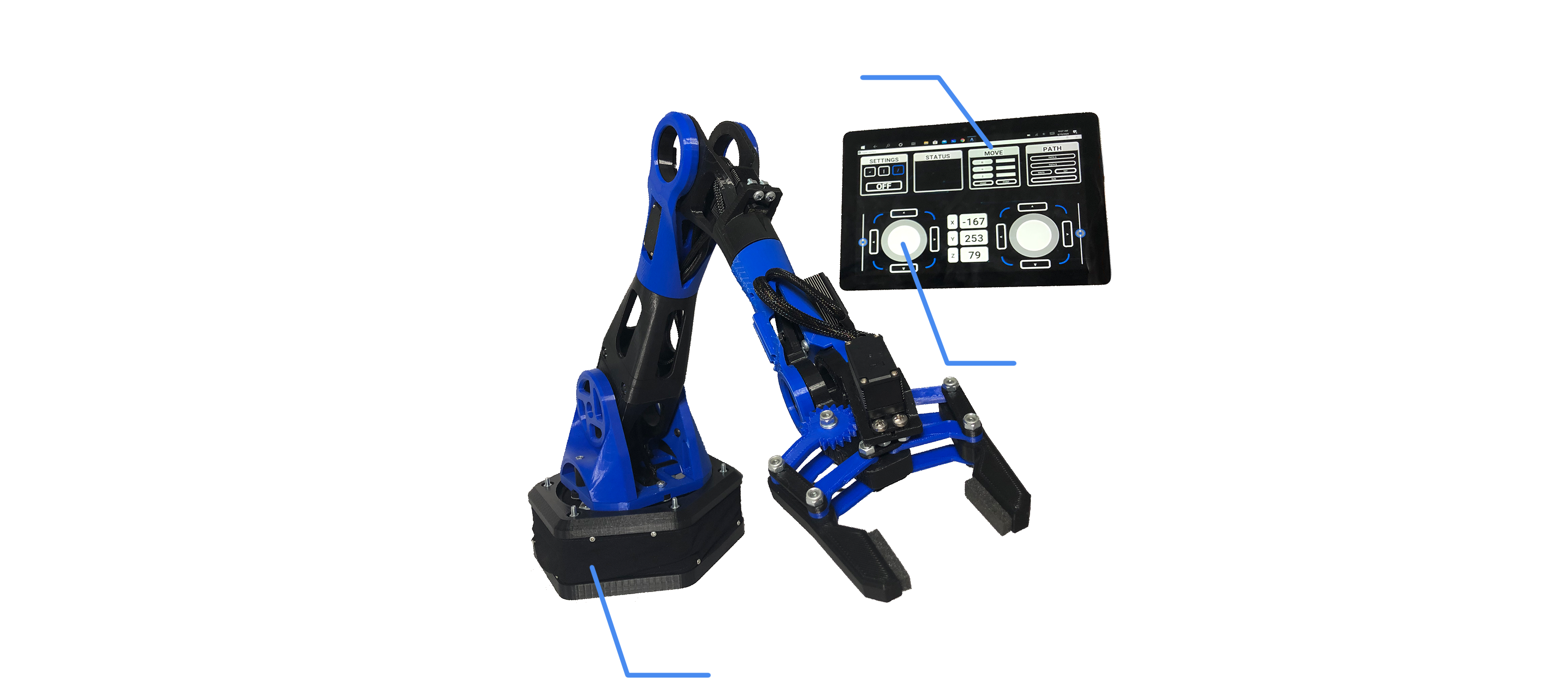
During the prototyping stage of the robotic arm, I created a simple text interface which was useful, however not the end goal. Soon enough I researched the Kivy library and watched tutorials to develop my own executable application. This graphical interface communicated to the robot over a python socket library and standalone wifi-network hosted by the robot. Included in the interface were digital joysticks, an open-source library. The interface could also receive information from the robot if requested.
Design
Integration
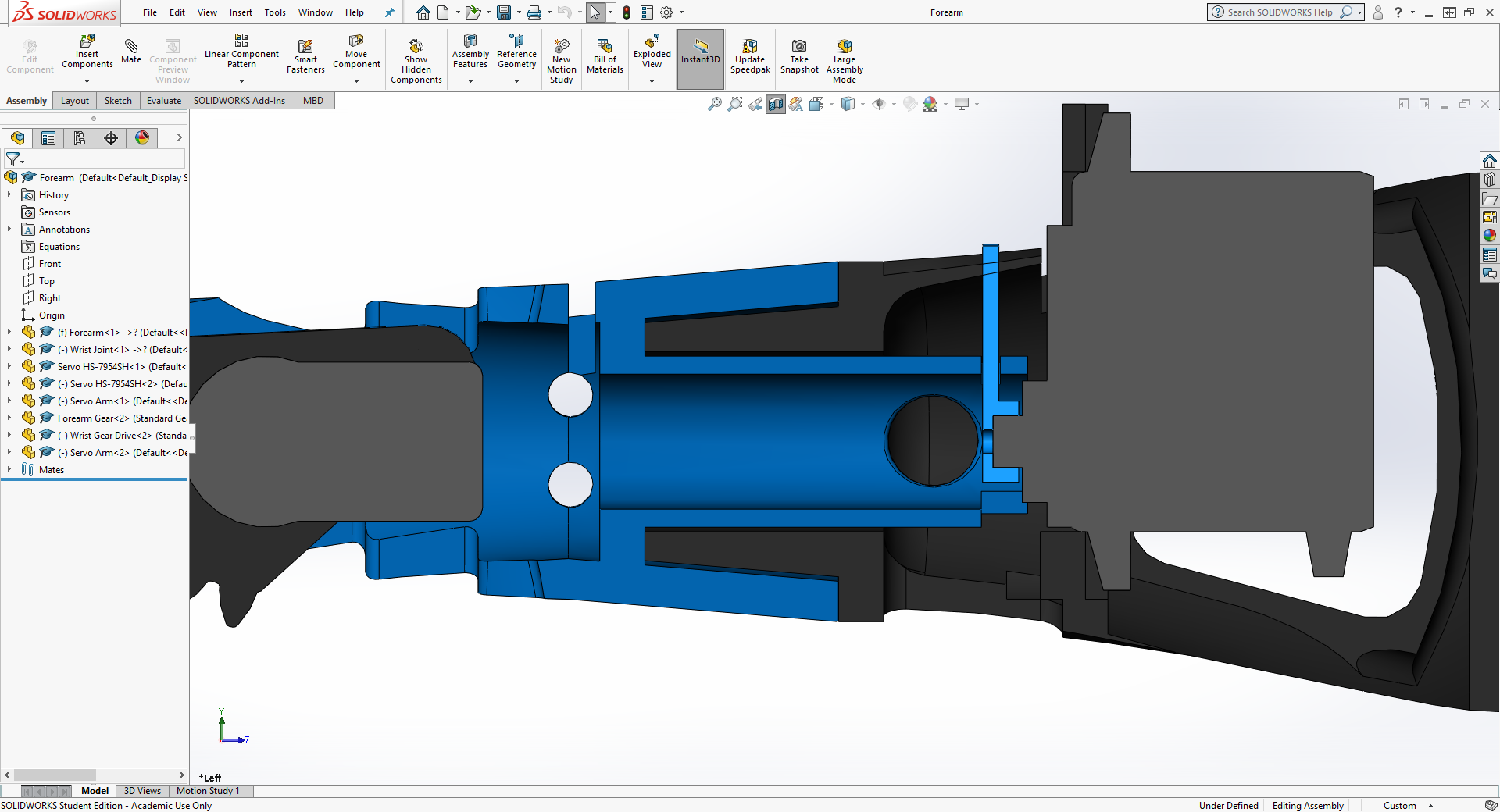
The design of the robotic arm was complex in the forearm section of the robot. Not only did cables need to run though the center, it also tuned on that axis. Designing a structurally sound assembly while allowing for mounting holes and wire harness proved difficult however not impossible.
Operations
Highlights and Functionalities
The Claw
Claw Functionality
The claw is a standard 4 bar linkage with two dynamic grippers. With the rest of the arm, the claw can reach many places at different attack angles.
Inverse Kinematics
Maintaining X-Coordinate Position
The video demonstrates how the robotic arm can maintain a coordinate position while moving right. The input for this movement is simply shifting the joystick right, which is then computed into the necessary angles to achieve this operation.
Claw Orientation
Maintaining Claw Orientation
This also uses inverse kinematics to maintain a horizontal or vertical position of the claw. The interface has accessible buttons to allow the user to specify what orientation the claw should be in.
Paths
User Set Paths
During operation of the machine, the user can orientate the robot to whatever required position and record the location. Doing this for a series of points forms a path that the robot will loop on command, similar to industry standard machines.